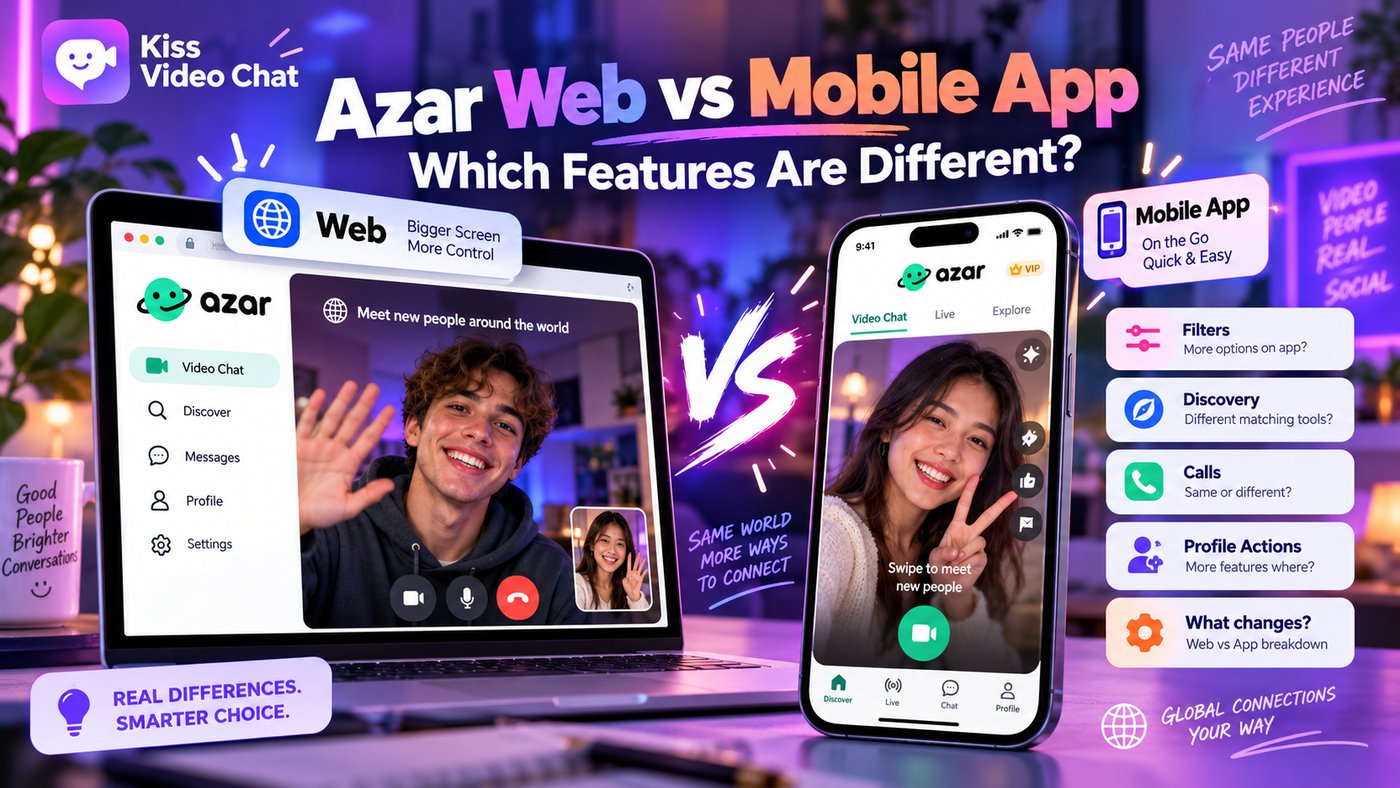
Azar runs in a browser at azarlive.com and as an app on iPhone and Android, and it's easy to assume all three are the same product. They aren't. Matching screens, what you pay with and even which purchases are offered differ by platform and app version. This guide compares Azar Web, the iOS app and the Android app using Azar's help center and its App Store and Google Play listings (checked October 13, 2026).
Quick answer: how Azar Web differs from the mobile app
- Same account: Azar Web uses the same login as the app (Facebook, Google, Apple or phone number), so you don't need a new profile.
- Web is simpler: you click to start random video matching on a bigger screen with a keyboard. Gems bought in the Web Gem Shop refine region and gender preferences.
- iOS has its own matching: the profile-card Discover tab (iOS 7.0.0 and later) is iOS-only, according to Azar, and newer iOS matching charges when you open a profile card.
- Paying differs: Android lists subscriptions for gender and region filters; the US App Store currently lists only Gem packages, after Azar ended iOS subscriptions on April 6, 2026.
Azar Web vs iOS vs Android at a glance
| Feature (checked Oct 13, 2026) | Azar Web | iOS app | Android app |
|---|---|---|---|
| Where | Browser at azarlive.com (Chrome, Firefox, Safari, Edge) | App Store, 18+, iOS 16 or later | Google Play, Mature 17+ |
| Main matching | Click to start a random video match | Discover tab with profile cards and mutual invites | Video match plus Pick&Match browsing |
| Gender / region choice | With Gems from the Gem Shop | Some filter options free, others need Gems | Through a subscription, per the listing |
| How you pay | Card, PayPal and other methods at checkout | Gem packages ($0.99–$37.99 in the US store) | In-app purchases and subscriptions via Google Play |
| Camera | Always on during chat; no on/off button | App permissions | App permissions |
Store listings change often, so treat this as a snapshot and check your own screen before you buy.
What Azar Web offers on a computer
Azar's Web quick start guide describes the browser version as bringing app features to a desktop or laptop. The benefits it lists are a larger video window, faster typing on a keyboard and gesture filters. You open azarlive.com, sign in with your app credentials or create an account, then go to Video Chat and click to start matching. Esc ends a chat, and report and block tools are available during the call.
Camera, browser and setup
The browser has to be allowed to use your camera and microphone, and the guide explains how to fix a blocked permission in Chrome, Firefox and Safari. One detail stands out: on Azar Web there's no camera on/off button, so the camera is always on in a chat. If the site won't load, Azar's troubleshooting guide suggests another supported browser, updating it, and turning off ad blockers or privacy extensions.
Gems on the web
The Web Gems guide says Gems are bought in the Gem Shop and used to refine region and gender preferences. On mobile web, the shop opens from the Gender or Country filter. For what Gems buy elsewhere, see Azar Gems explained.
What the mobile app does differently
iOS: Discover cards and per-card charges
From iOS 7.0.0, Azar's Discover tab shows profile cards one at a time. You send or accept an invite, and a video chat starts only when both people agree. Your connection list holds up to 10 people. You get a limited number of free profile views per cycle; the deck refreshes every 12 hours, or you refill it with Gems. Azar says this Discover experience is currently only on iOS, not Android or Web. On iOS 7.11.0 and later, Azar's help center describes a further change: opening a profile card is charged whether you invite, skip or never chat. That article now requires a login to read, so check the cost shown in your app. The App Store notes also mention a required profile photo and a video selfie age check from version 7.2.0, with availability varying by country.
Android: subscriptions and Pick&Match
Azar's Google Play listing describes the Lounge for browsing profiles, Pick&Match for choosing online profiles to video chat with, and real-time voice-to-subtitle translation. It says gender and region filters are available through a subscription billed by Google Play. For the matching flows, read Azar Pick and Match explained.
Do purchases carry over between Web and app?
Your account and profile do, because you sign in with the same credentials. Purchases are less simple. Azar's help center says that after Azar became unavailable on the App Store, iOS subscriptions ended on April 6, 2026. Active subscribers received replacement Gems that had to be used within 30 days, and refunds for unused time go through Apple. The app is listed on the US App Store again, but with Gem packages only. Azar doesn't publish a clear rule on whether Gems or plans bought on one platform show up on another, so don't assume they will.
- Sign in on the new device with the same login method you used before.
- Check your Gem balance and any active plan before buying.
- If something is missing, contact Azar's Help center with your receipt instead of buying again.
- Remember refunds follow the store you paid through: Apple, Google Play or Azar Web checkout.
Which should you use?
- Choose Azar Web for long chats on a laptop, a bigger screen and typing on a keyboard, with simple Gem-based preferences.
- Choose the iOS app if you want card-based Discover matching and mutual invites, but watch per-card charges.
- Choose the Android app if you want Pick&Match, Lounge browsing and subscription-based filters.
You can also use both: the same account works on the Web at home and on your phone when you're out. Just remember that charges and filters may work differently on each device.
For a wider look at the app, see our Azar app review or the Azar alternatives list.
A different approach: browse before you match
Azar's paid choices mostly narrow or reveal a random pool. Kiss Live Chat starts from the other end: you see who's online, check their language and interests, and start a one-on-one video call with someone you picked. It also has live rooms, Reels and games, plus block and report tools. To compare classic services first, see our best random video chat sites.
Want to choose instead of skip? Get Kiss Live Chat and browse who's online before you call.
Conclusion: same account, different Azar on each device
Azar Web is the straightforward option: a browser, your existing login, random video matching and Gems for region and gender preferences. The iOS app now centres on card-based Discover matching with its own charges, and Android leans on subscriptions and Pick&Match. Check what your version offers and what's already on your account before you pay, and if you'd rather see people before calling, try Kiss Live Chat.

Add Kiss to your home screen
No download needed: the Kiss web app opens full-screen from an icon, like an app.
- Android · Chrome: ⋮ menu → “Install app” or “Add to Home screen”
- iPhone · Safari: Share → “Add to Home Screen”
Prefer the app? Get the iPhone app
A few more answers
Frequently asked questions
Can I use Azar on a computer?
Yes. Azar Web runs in a desktop or laptop browser at azarlive.com. You sign in with the same credentials as the app, allow camera and microphone access, and click to start matching.
Is Azar Web the same as the app?
No. Azar Web offers random video matching with Gems for region and gender preferences. The card-based Discover tab is iOS-only according to Azar, and Android lists Pick&Match and subscription filters.
Can I turn my camera off on Azar Web?
Azar's Web guide says there is no camera on/off button on Azar Web: the camera is always on during a chat.
Do my Gems and subscriptions work on both Web and app?
Your account works on both, but Azar doesn't publish a clear carry-over rule for purchases. iOS subscriptions ended on April 6, 2026. Check your balance on each device and contact Azar's Help center before buying again.
Why does Azar charge per profile card on my iPhone?
On newer iOS matching (7.11.0 and later), Azar's help center says opening a profile card is charged whether you invite or skip. Azar Web doesn't use this card flow.