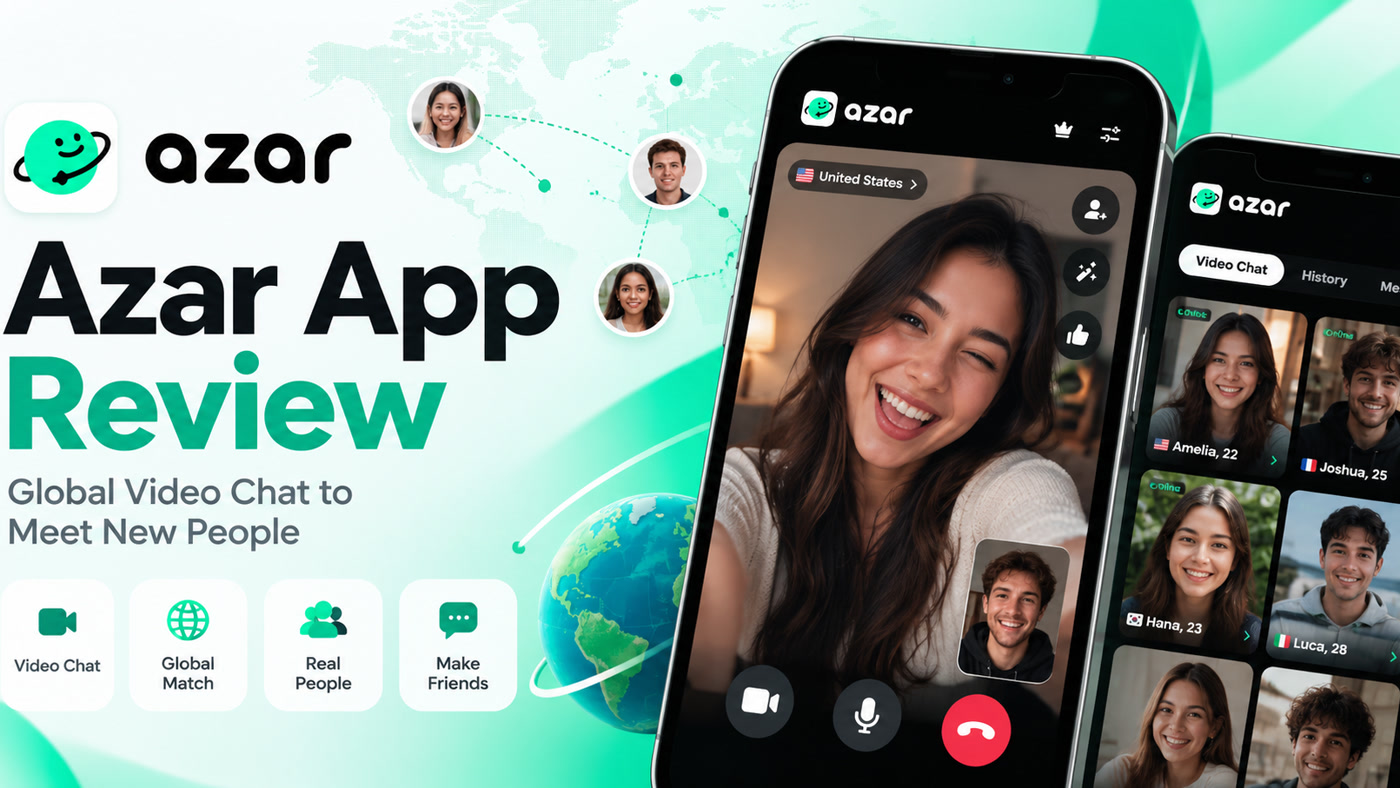
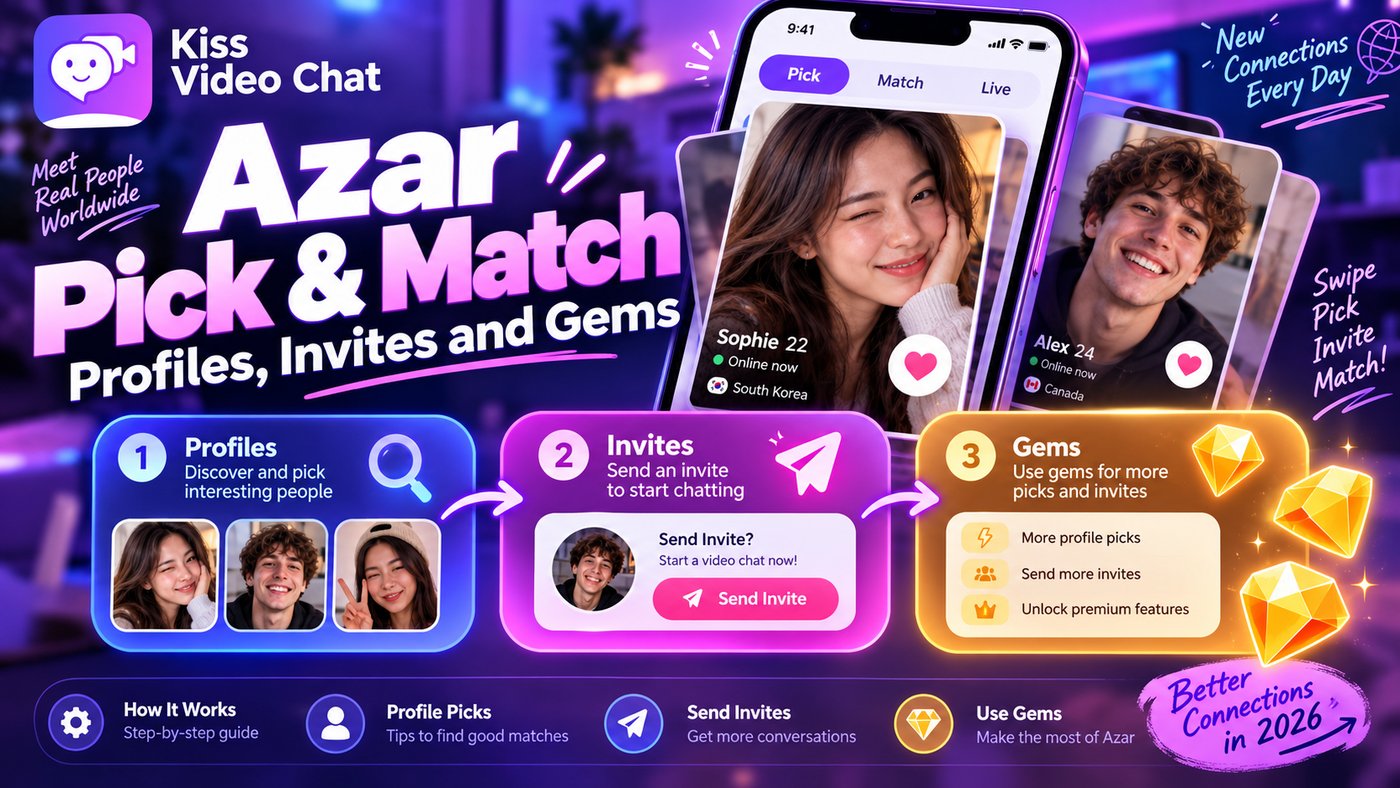
Pick & Match is Azar's answer to people who don't want to be thrown at the next random stranger. Instead of a blind match, you pick profiles first and the call starts when that person is available. The catch is that it costs Gems, it's still in beta, and it's easy to confuse with Azar's Lounge and the newer iOS Discover cards. This guide explains how each one works and what you pay, based on Azar's help center and store listings (checked October 13, 2026).
Quick answer: what is Azar Pick & Match?
- What it does: from the Video Chat tab, you open Pick & Match, select profiles you'd like to talk to (optionally sorted by gender), and the connection starts once the other person is available.
- Cost: Azar's help center says it requires Gems, and the cost is deducted whether you start or skip the selected connections.
- Availability: Azar calls it a beta that isn't available to all users yet. Android's Google Play listing promotes it; on iOS, Azar now leans on the Discover tab instead.
- No guarantee: picking someone signals interest. Whether a call happens still depends on them.
How Pick & Match works, step by step
Azar's "What is Pick & Match?" article describes a short flow:
- Tap the Pick & Match icon on the Video Chat tab.
- A pop-up shows profiles. Select the ones you'd like to connect with. The filter icon sorts them by gender.
- Wait. The connection starts once the other person is available.
- Manage the queue in the Waiting tab, where you can cancel waiting for a profile or pause all.
That waiting step is the key difference from ordinary matching. You're not paired instantly; you're placed in a queue for people you picked. If they're busy or don't take the chat, nothing happens, and you may still have spent Gems.
In practice, Pick & Match works best at busy times. If the people you picked aren't online, the queue can drag on, so check the Waiting tab regularly. Just remember that each selection is charged.
What Pick & Match costs
Azar doesn't publish a Gem amount for Pick & Match. Its help center says only that the feature "requires gems" and that the cost is deducted whether you start or skip the selected connections. So skipping isn't free. Gem packages themselves vary by store: the US App Store currently lists ten Gem packages from $0.99 to $37.99, without saying how many Gems each holds. Read the Gem cost shown in your app before you confirm a selection. For the wider picture, see Azar Gems explained.
A quick cost check
- Note the Gem cost per selection shown on your screen.
- Estimate how many people you usually pick before one call actually happens.
- Multiply, then compare with the package price in your store. That's your real cost per conversation.
Pick & Match vs Lounge vs Discover
Azar has three ways to choose before you talk, and they're often mixed up.
| Feature (checked Oct 13, 2026) | How you choose | What it costs | Where |
|---|---|---|---|
| Pick & Match | Select profiles; call starts when they're available | Gems, charged even if you skip | Video Chat tab; beta, not for all users |
| Lounge | Browse profile cards, follow or message | Following is free; messages need Gems or a free message item | Lounge tab |
| Discover (iOS 7.0.0+) | Profile cards; video chat after mutual invites | Free views per cycle; Gems to refill and for some filters | iOS only, per Azar |
Azar Lounge
According to Azar's Lounge guide, you browse profile cards with photos and videos, follow people for free, and send messages using Gems or free message items. Filters cover country, gender, language and more. Manual refreshes are limited. Lounge is about getting to know a profile, not starting a video call straight away.
iOS Discover and newer matching
On iOS 7.0.0 and later, the Discover tab shows one profile card at a time. You send or accept invites, and a video chat starts only when both people agree. You get a set number of free views per cycle, the deck refreshes every 12 hours, and Gems refill it. Azar says Discover is only on iOS for now. App Store notes for version 7.2.0 describe "a deliberate, mutual choice", showing name, photo and age before you match; later versions added Super Invite and slide-to-invite gestures. On iOS 7.11.0 and later, Azar's help center says opening a profile card is itself charged. That article now needs a login to read, so trust the price on your screen. Platform differences are covered in Azar Web vs mobile app.
Is Pick & Match worth it?
It can be, if random matching keeps giving you people you'd never choose. Picking first filters out obvious mismatches. But consider three things:
- You pay per selection, not per call. Skipped or unanswered picks still cost Gems.
- It's beta. If you can't find the icon, you may not have it; Azar says it isn't available to everyone.
- Purchases are generally final. Azar's terms say Gem purchases are generally non-refundable, with exceptions where local law requires.
If you'd rather compare apps built around choosing, see video chat apps where you choose who to call or our Azar alternatives.
Safety tips when you pick profiles
- A profile you picked is not proof of who will appear on camera. Judge the person on the call, not the photo.
- Use Azar's report and block tools if a call turns inappropriate, and never send money or move to another app at a stranger's request.
- Buy Gems only in the official app or on Azar Web. "Free Gem" generators are scams.
A different approach: browse who's online, then call
Pick & Match adds a paid choice step to a random system. Kiss Live Chat is built around choosing from the start: you see who's online, check language and interests, and start a one-on-one video call with someone you picked. It also has live rooms, Reels and games, with block and report tools. To compare classic random services, see our best random video chat sites.
Want to choose without paying per pick? Get Kiss Live Chat and see who's online first.
Conclusion: Pick & Match lets you choose, but every pick costs
Pick & Match lets you select profiles before a call and wait for them to be available. It uses Gems, charges whether you start or skip, and is still a beta that not everyone has. Lounge is for following and messaging, and iOS Discover uses mutual invites with its own quotas. Check which one your app shows and the cost on your screen, and if you'd rather browse before you call, try Kiss Live Chat.

Add Kiss to your home screen
No download needed: the Kiss web app opens full-screen from an icon, like an app.
- Android · Chrome: ⋮ menu → “Install app” or “Add to Home screen”
- iPhone · Safari: Share → “Add to Home Screen”
Prefer the app? Get the iPhone app
A few more answers
Frequently asked questions
What is Pick & Match on Azar?
It's a beta feature on Azar's Video Chat tab that lets you select profiles you want to talk to. The connection starts once the other person is available, and you can manage the queue in the Waiting tab.
Does Azar Pick & Match cost Gems?
Yes. Azar's help center says the feature requires Gems and the cost is deducted whether you start or skip the selected connections. Azar doesn't publish the exact Gem amount.
Why can't I find Pick & Match in my app?
Azar says Pick & Match is in beta and not yet available to all users. On recent iOS versions, Azar's main choose-first flow is the Discover tab instead.
What's the difference between Pick & Match and Lounge?
Pick & Match queues video calls with profiles you select. Lounge is for browsing profile cards, following people for free and sending messages, which need Gems or a free message item.
Does picking someone guarantee a call?
No. The connection only starts when the other person is available, and Gems may be deducted even if the call never happens.