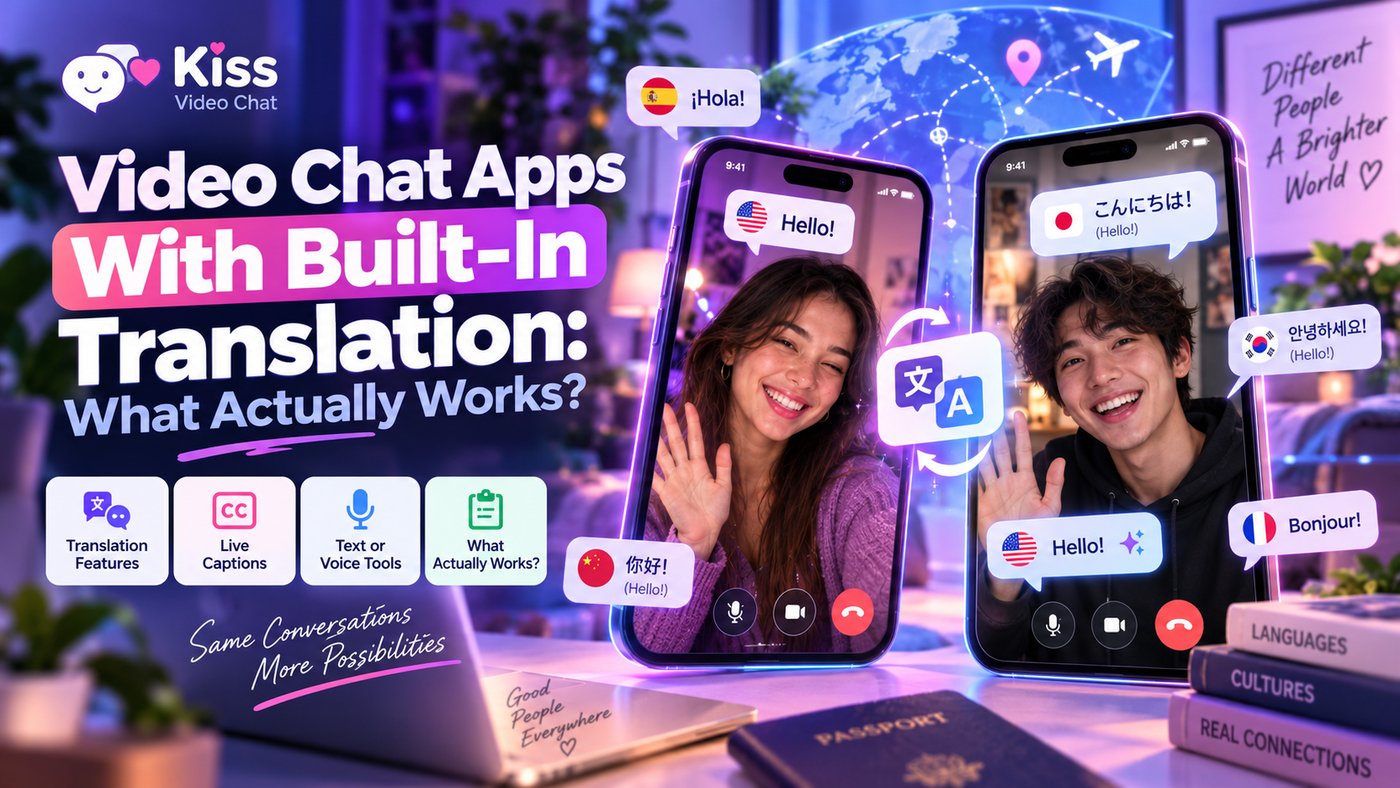
"Built-in translation" sounds like you'll talk in your language and the other person will hear theirs. In most video chat apps, that's not what happens. The label covers three very different tools: translating typed messages, turning speech into translated subtitles, and full speech-to-speech translation. This guide explains which apps offer which, based on their official pages as of October 13, 2026, and what to do when an app has no translation at all.
Short answer: which video chat apps actually translate?
- Translated subtitles during video calls: Azar's Live Translation turns speech into a transcript, machine-translates it and shows it as subtitles. Azar says availability varies by device and operating system.
- Translated text messages: Azar, CooMeet and HOLLA all describe translation of typed messages during chats or calls. That helps you read what someone types, not what they say.
- Speech-to-speech translation: among mainstream apps, Google Meet's speech translation does this, but only on eligible paid Google plans and for a limited set of language pairs. It's a meeting tool, not a stranger-chat app.
- No translation: many random chat sites have none. Matching with someone who shares a language is often easier than translating every sentence.
Three kinds of "translation" in video chat
| Type | What it does | What it doesn't do | Example (official, Oct 2026) |
|---|---|---|---|
| Text-message translation | Translates typed chat messages into your language | Doesn't touch spoken audio | Azar, CooMeet, HOLLA |
| Translated subtitles | Transcribes speech, translates it and shows subtitles | No translated voice; you still hear the original | Azar Live Translation |
| Speech-to-speech | Translates speech and plays it as audio, close to real time | Still delayed a few seconds; limited languages and plans | Google Meet speech translation |
The difference matters. With text translation, a conversation becomes half video, half typing. With subtitles, you can talk naturally but have to read while you listen. Only speech-to-speech lets both people simply talk, and that's the rarest and most limited option.
Video chat apps with translation, checked one by one
Azar: text translation and Live Translation subtitles
Azar's help center documents two features. The older translation feature translates messages into your friend's language and works while matching and during video calls. The newer Live Translation works in three steps: speech-to-text transcription, machine translation into the selected subtitle language, and subtitles shown during the video chat. Azar says it relies on your consent to process your speech, that you can withdraw consent in Settings, and that speech, transcripts and subtitles are processed ephemerally and not stored. It also warns that availability and processing details vary by device and operating system, and it doesn't publish a language list or say whether the feature costs Gems. For more on the app, see our Azar Gems guide.
CooMeet: automatic message translation
CooMeet's website lists "automatic translation of messages" alongside HD video calls and private rooms, and its Google Play listing describes a built-in translator that "automatically translates all messages in real time." That's text, not voice: you'll still hear the other person's own language. CooMeet is free with restrictions and sells Premium plans and minutes, so the translator sits inside a paid service. See CooMeet free vs premium for current prices.
HOLLA: translated text during the call
HOLLA's own text-chat page says its built-in translation lets you send and receive messages in your preferred language without leaving the call, and that text chat only runs while both cameras are on. Its Google Play listing advertises "seamless real-time translation" without explaining further. Based on what HOLLA publishes, treat it as message translation, not translated speech.
Google Meet: real speech translation, but not for strangers
Google's help page says Meet's speech translation translates your speech in real time "in a voice like yours." It's available on Google AI Pro and Ultra plans and on selected Workspace business and education editions. The help page lists English paired with French, German, Hindi, Italian, Portuguese or Spanish, with one language pair per meeting, a delay of a few seconds and a 90-minute limit per meeting. In June 2026 Google announced a 70+ language version in private preview for some business customers, with a broader rollout later in the year. It's impressive, but Meet is for calls with people you already know, not for meeting strangers.
Apps without translation: what to use instead
Most random chat services don't advertise translation at all. Chatroulette, for example, offers a free country filter and talks about practicing languages with native speakers, but it doesn't list a translator. In that case, you have three practical options:
- Match by language, not by luck. Use a language filter where one exists, or browse profiles that show language before you call. Our guide to international video chat language matching compares the tools.
- Use a country filter as a rough guide. It raises your chances, but country isn't language. See video chat sites with country filters.
- Keep a translator on a second device. Google says its newest live translation is rolling out in the Google Translate app on Android and iOS. Running it on another phone next to your call is clumsy but works for short exchanges.
How accurate is machine translation in a video chat?
Every service that translates speech adds a step that can go wrong. Accents, background noise, slang, fast speech and mixed languages all lower accuracy, and speech recognition errors get passed on to the translation. Google itself says Meet translations are delayed a few seconds "for completeness." Text translation is usually more reliable because you can type clearly, but jokes and idioms still get lost. Use translation for friendly small talk, and never rely on it for anything important, such as money, meeting up or consent.
Privacy: what happens to your voice?
Speech translation means your words are processed by a server. Azar says it processes speech only with your consent and doesn't store speech, transcripts or subtitles. Google says no Meet audio is saved and no models are trained on your voice. Message translators work on your typed chat text. Read each app's privacy policy before you turn translation on, and don't say anything you wouldn't want transcribed.
Tips for chatting across a language barrier
- Speak slowly, in short sentences, and avoid slang.
- Type key words when subtitles go wrong.
- Agree on a shared second language early, even a basic one.
- Use gestures and the camera: show, don't only tell.
- Leave politely if the conversation isn't working; it's nobody's fault.
A different approach: find a shared language first
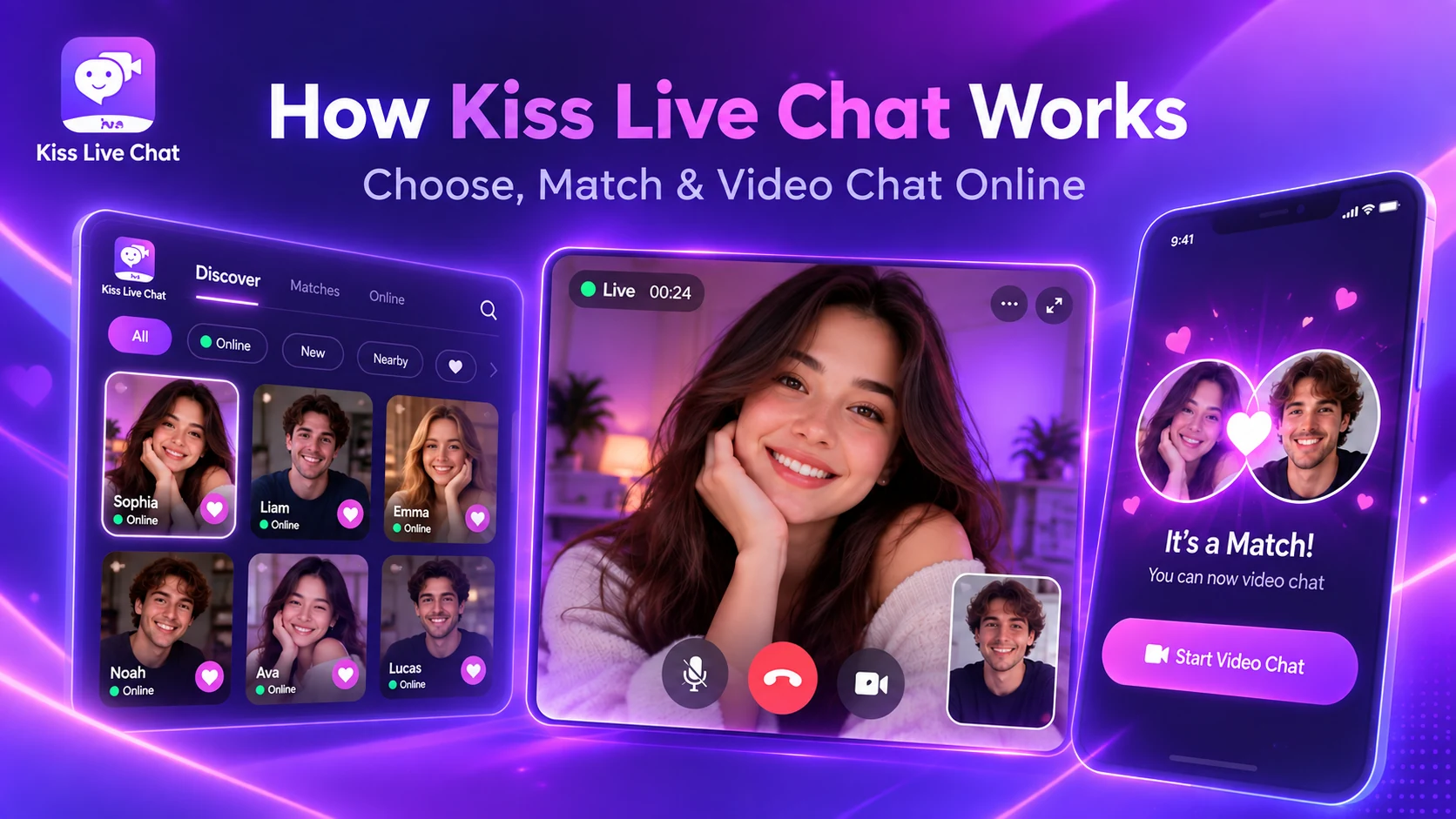
Kiss Live Chat also offers real-time translation, which can help when you and the other person don't share a language. On top of that, you can see who's online and filter by language or interests before you start a one-on-one video call, so you can pick someone you can actually talk to. It also has live rooms, Reels, games and chats, with block and report tools. For more ways to meet people, see our video chat with strangers page.
Want a shared language from the first hello? Get Kiss Live Chat and filter by language before you call.
Conclusion: know which kind of translation you're getting
If an app says "translation," check which kind. Azar offers translated subtitles and message translation; CooMeet and HOLLA translate messages; Google Meet translates speech, but only on paid plans and for people you already know. Where there's no translator, matching by language is the simplest fix. If you'd rather choose someone who speaks your language before calling, try Kiss Live Chat.

Add Kiss to your home screen
No download needed: the Kiss web app opens full-screen from an icon, like an app.
- Android · Chrome: ⋮ menu → “Install app” or “Add to Home screen”
- iPhone · Safari: Share → “Add to Home Screen”
Prefer the app? Get the iPhone app
A few more answers
Frequently asked questions
Which video chat app translates speech in real time?
Azar's Live Translation turns speech into translated subtitles during video chats, with availability varying by device and OS. Google Meet translates speech into translated audio, but only on eligible paid Google plans and for a few language pairs.
Does CooMeet translate voice calls?
No. CooMeet's site and Google Play listing describe automatic translation of messages. You'll still hear the other person in their own language.
Is text translation the same as live translation?
No. Text translation only translates typed messages. Live subtitle translation transcribes and translates speech, and speech-to-speech translation also plays the translation as audio.
Does Kiss Live Chat have built-in translation?
Yes. Kiss Live Chat offers real-time translation to help conversations across languages. You can also filter by language and interests and see who's online, so you can choose someone who shares a language before you call.
Is it safe to use speech translation in video chat?
Your speech is processed by the provider. Azar says it needs your consent and doesn't store speech, transcripts or subtitles; Google says Meet doesn't save audio. Read each privacy policy first.