
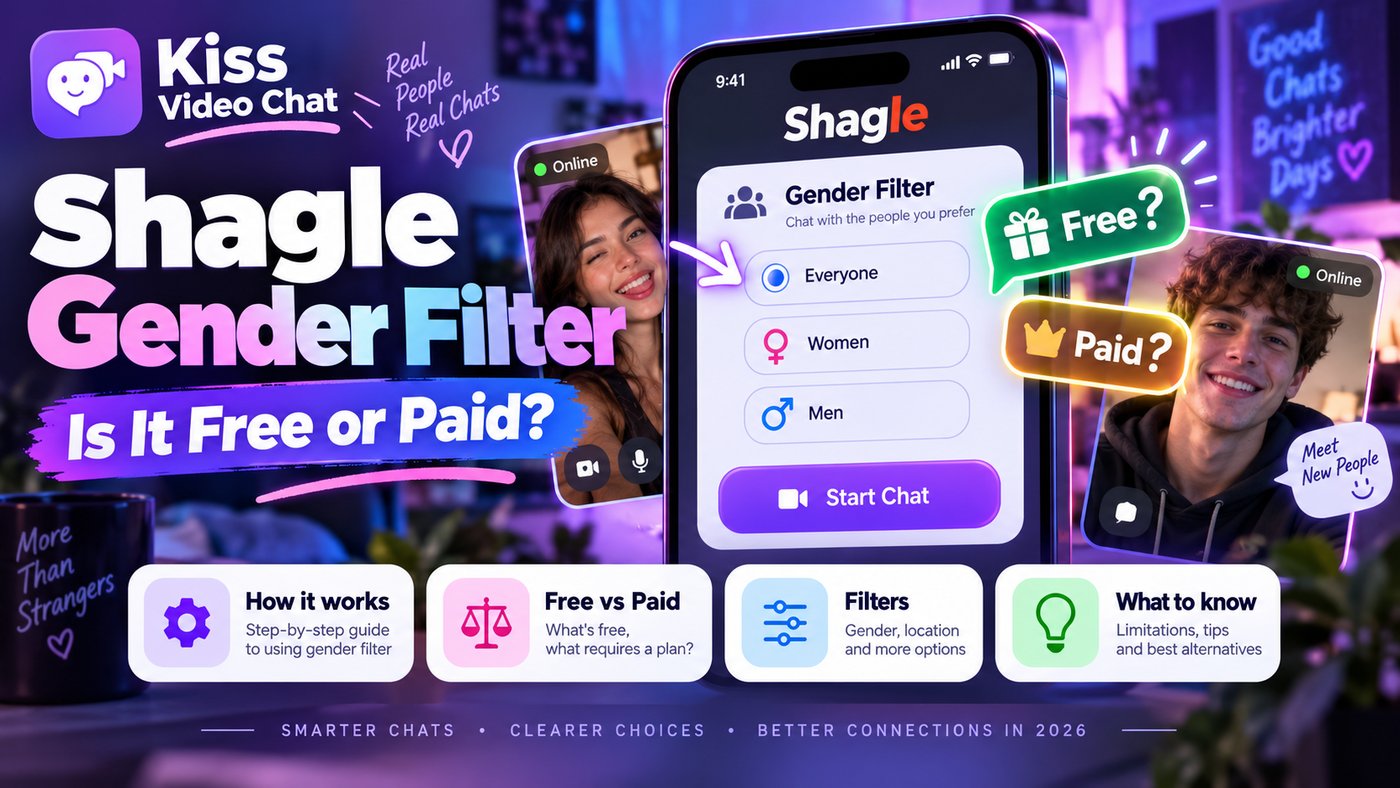
Shagle's homepage greets you with "What is Your Gender?" and a list of features that includes a gender filter, so it's easy to assume you can choose who you meet for free. You can't. Shagle's own FAQ says the gender filter, like the location filter, is for Premium members. This guide explains what free users actually get, what Premium is reported to cost, and how to decide whether paying for the filter makes sense (checked October 12, 2026).
Short answer: the Shagle gender filter is a Premium feature
Shagle's random video chat is free and needs no account. The gender filter, which lets you chat only with girls, guys or couples, is paid. Shagle's FAQ says: "Shagle offers gender filters for premium members." The location filter is Premium too. Shagle doesn't publish its Premium price on the homepage; DatingScout's October 2026 review lists $6.99 a week or $19.99 a month. Check the price shown at checkout before you pay.
What free Shagle users get vs Premium
| Feature | Free | Premium | Source |
|---|---|---|---|
| Random video chat with Start/Next | Yes | Yes | Shagle homepage |
| No account, no personal information | Yes | Yes | Shagle homepage |
| Gender filter (girls, guys, couples) | No | Yes | Shagle FAQ |
| Location filter (70+ countries) | No (DatingScout says limited) | Yes | Shagle FAQ; DatingScout |
| Mobile app | Browser only | Browser only | Shagle FAQ |
One detail causes confusion: when you start, Shagle asks for your own gender (male, female or couple). That's you describing yourself, not a filter on who you'll meet. Free users are still matched at random. Sources also differ on the location filter: Shagle's FAQ says location filters are for Premium members, while DatingScout describes a limited free version. We go with the official wording.
How much does Shagle Premium cost?
Shagle doesn't list prices on its public homepage or FAQ. The figures available come from third parties. DatingScout's Shagle review (October 2026) lists Premium at $6.99 for one week and $19.99 for one month, in USD. Other sites that use the Shagle name quote very different, credit-based plans; we couldn't match those to Shagle's official site, so we don't use them here.
A worked example with DatingScout's figures: if you only want the filter for a weekend, one week is $6.99. If you'd use it every week, four weekly purchases would cost about $27.96, so the $19.99 monthly plan would be cheaper. Check whether the plan renews automatically, and treat these numbers as a guide, not a quote.
How to use the Shagle gender filter step by step
- Open shagle.com in your browser. There's no official iOS or Android app, so avoid look-alike apps.
- Choose your own gender when asked and allow camera access.
- Find the gender filter in the chat controls (DatingScout describes the gender and location filters on the left side of the screen). If it's locked for you, you'll be offered an upgrade.
- Compare the plans and the price on the upgrade screen, and check renewal terms before paying.
- After upgrading, choose girls, guys or couples, and optionally a country, then press Start.
- Press Next to move on to the next match, and check your filter settings again if the matches don't look right.
Troubleshooting: when the filter doesn't work as expected
- You still see the wrong gender. Filters rely on what other users select about themselves, so mistakes and fake answers happen. No site can guarantee them.
- Long waits after filtering. A narrow filter, especially gender plus a small country, shrinks the pool. Try removing the country first.
- The filter is greyed out. That usually means Premium isn't active on this browser. Check that you're signed in to the account you paid with.
- You were charged but have no filter. Contact Shagle support through the site, and check whether you paid on shagle.com or on a different site using the name.
Is paying for the gender filter worth it?
It depends on what's frustrating you. If you mainly want fewer random matches you'd skip anyway, a filter helps. If your problem is short conversations and lots of skipping, a filter only narrows the randomness; it doesn't make people more interested in talking. Before paying, compare a few other sites. Our guide to free vs paid gender filters shows which services charge, and the OmeTV gender filter guide covers a close rival. If you're weighing a paid service anyway, Shagle vs CooMeet compares two very different models, and our Shagle alternatives list covers free options.
A different approach: choose instead of filtering
Gender filters still leave you skipping through strangers. Kiss Live Chat starts from the other end. You can see who's online, filter by language and interests, and start a one-on-one video call with someone you picked. Live rooms, Reels, games and chats give you other ways to meet people, with block and report tools and moderation. It doesn't promise a particular gender; it lets you see before you call.
Tired of paying to skip? Get Kiss Live Chat and browse who's online before you connect.
If you'd still rather compare roulette sites, see our list of the best random video chat sites.
Safety and money tips
- Shagle says you must be 18 and have reached the age of majority where you live.
- Don't share personal information; Shagle itself recommends this.
- Use the report and block tools for anyone who breaks the Terms of Use.
- Only pay on the official site, and check for automatic renewal.
- For a full checklist, read is random video chat safe?
Conclusion: free to chat, paid to filter
Shagle's random video chat is free, but choosing girls, guys or couples needs Premium, and so does picking a country. Third-party prices start around $6.99 a week, so test the free chat first and check the checkout price before you upgrade. If what you really want is to pick the person rather than filter the pool, try Kiss Live Chat.

Add Kiss to your home screen
No download needed: the Kiss web app opens full-screen from an icon, like an app.
- Android · Chrome: ⋮ menu → “Install app” or “Add to Home screen”
- iPhone · Safari: Share → “Add to Home Screen”
Prefer the app? Get the iPhone app
A few more answers
Frequently asked questions
Is the Shagle gender filter free?
No. Shagle's FAQ says gender filters are for Premium members. Random video chat itself is free and needs no account.
How much does Shagle Premium cost?
Shagle doesn't publish prices on its homepage. DatingScout's October 2026 review lists $6.99 a week or $19.99 a month; check the price at checkout.
Why does Shagle ask for my gender if the filter is paid?
That question describes you, not who you'll meet. Free users are still matched at random; choosing girls, guys or couples needs Premium.
Is the Shagle location filter free?
Shagle's FAQ says location filters are for Premium members. DatingScout describes a limited free version, so check what your account shows.
Does the Shagle gender filter guarantee matches?
No. Filters depend on what other users select about themselves, so mismatches can happen on any site.