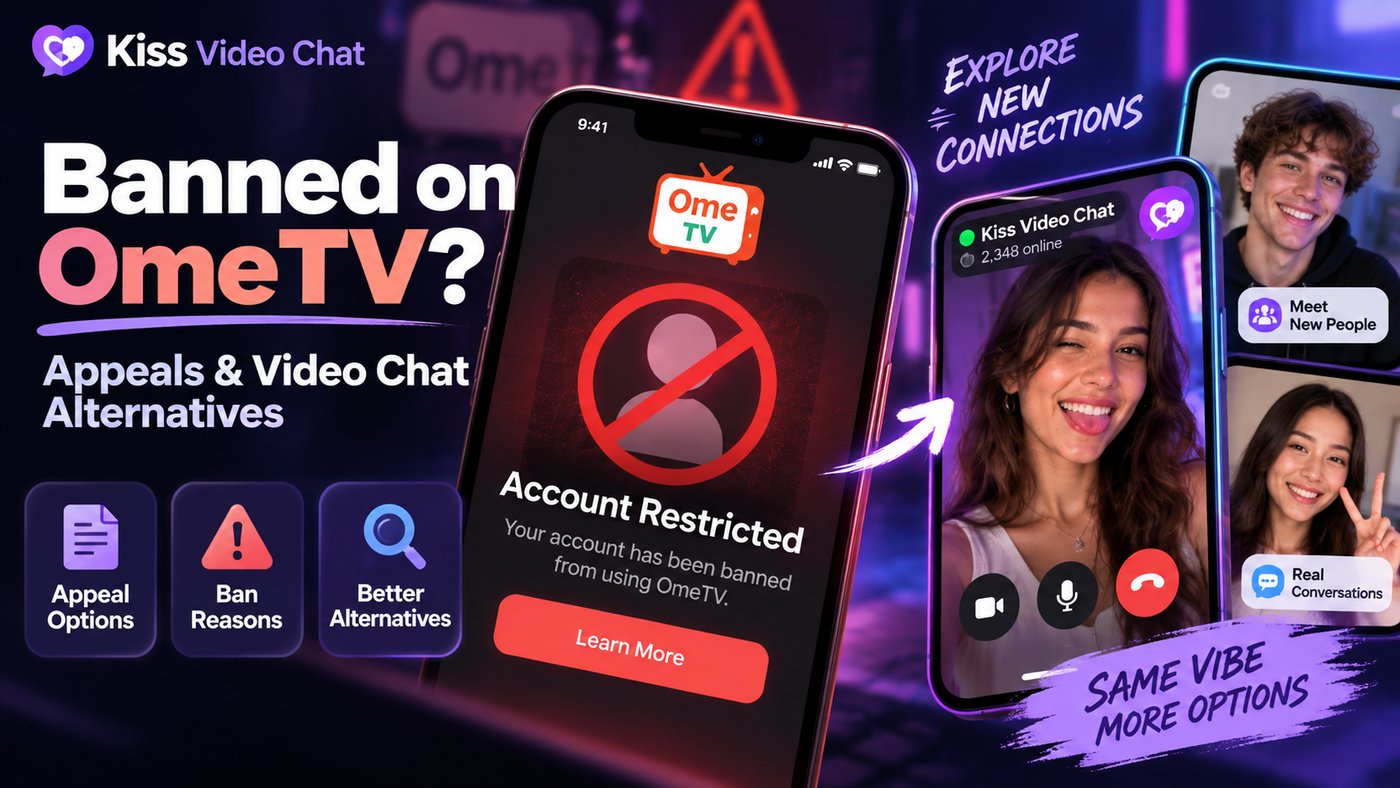
Getting banned from OmeTV is frustrating, especially if you think it was a mistake. The ban screen tells you little, and the internet is full of "unban" tricks that range from useless to risky. This guide sticks to what OmeTV itself publishes (rules, terms and contact page, checked October 12, 2026): why bans happen, how to ask for a review the official way, what not to do, and which alternatives fit if you decide to move on rather than wait.
Quick answer: what to do if you're banned on OmeTV
- Note your ban ID and whether the screen shows a time limit.
- Re-read OmeTV's rules. Many "unfair" bans come from rules people didn't know existed.
- Email contact@ome.tv with your ban ID and a short, factual account of what happened. This is the route OmeTV's own contact page gives.
- Don't pay third-party "unban" services, install modified apps or hand over your login.
- If you'd rather move on, pick a service whose rules you're comfortable with, not one marketed as a way around bans.
Why OmeTV bans people: the official reasons
OmeTV says its moderators monitor the chat and ban rule-breakers, and that complaints are reviewed 24/7. Its rules list several groups of violations.
Behavior and content
- Obscene language, insults, rude gestures, discrimination or threats.
- Appearing naked or in underwear, a naked torso with a hidden face, or pointing the camera below the chest, even when clothed.
- Sexual proposals, suggestive emoji combinations or sexual slang.
Camera and stream rules people often miss
- Pointing the camera at a TV, computer or phone screen, at photos or drawings, or at written signs, whatever they show.
- Using webcam emulators, filters, effects, masks or virtual avatars.
- Hiding or covering your face. OmeTV says your real face must always be visible in the frame.
- Streaming video games or using the chat in a bathroom.
Spam, software and age
- Any links (including to social profiles), promotional messages, bulk messages, or asking people to like, subscribe or visit a site.
- Third-party programs, plugins, bots or scripts that change how the service works.
- Being under your country's legal age. OmeTV says minors are banned even with parental consent.
Automatic bans from complaints
The rules also say the system automatically bans users who get multiple complaints in a short time, while weighing factors meant to exclude accidental bans. Two more points matter: OmeTV says an unintentional violation is still a violation, and a brief one (even a second) can still lead to a ban. You are also responsible for anything shown from your device, even if a friend was using it. Answering a rude user with the same behavior can get you banned too; OmeTV asks you to report instead.
How long does an OmeTV ban last?
OmeTV doesn't publish a fixed duration. Its terms say temporary limitation periods are set by OmeTV and may change, and that serious violations, such as anything involving the exploitation of minors, lead to a permanent ban. The most reliable answer is your own ban screen: if it shows a timer, the ban should expire on its own. Durations quoted on other websites ("2 hours to 7 days" and similar) are unofficial, so treat them as anecdotes.
How to appeal an OmeTV ban the official way
OmeTV's contact page says ban questions go to contact@ome.tv. It asks you to include your ban ID and explain what you think happened, and to re-read the rules first, because many users think a ban was unfair only because they hadn't read them.
What to put in the email
- Subject: your ban ID.
- The date and approximate time, and your device (phone app or browser).
- One or two sentences on what was on camera at the time. Be honest. If a TV was in the background or a friend used your phone, say so.
- A polite request to review the decision.
Keep it short, send it once, and don't attach screenshots that show other users. OmeTV's public pages promise no appeal timeline or outcome, so treat the email as a request, not a guaranteed process.
Is it a ban or a technical problem?
If you see no ban notice and the chat simply won't connect, it may be a technical problem rather than a ban. OmeTV's contact page asks you to describe the issue and your device in the same email. Before writing, check camera permissions, try another browser, and make sure your camera actually works. OmeTV's rules ask you not to use the chat with a faulty or disabled camera.
About "paid unbans"
Several websites claim OmeTV sells an instant unban for a fixed price. We found no such offer in OmeTV's rules, terms or contact page. If a paid option ever appears, use it only inside the official app or site. Never pay a third-party "unban agent". You'll lose the money, and you may expose your login.
What not to do after a ban
- Don't use modified apps or scripts. OmeTV's rules ban third-party software, and "mod" apps are a common source of malware.
- Don't share your Facebook or Google login with anyone offering help.
- Don't try to evade the ban. Ban evasion usually breaks the terms, and if the behavior that caused the ban continues, a new account will get banned again.
- Don't spam support. One clear message beats ten angry ones.
If OmeTV won't open at all: regional restrictions
Not every "ban" is about you. In Australia, the eSafety Commissioner announced on October 28, 2025 that Apple and Google had removed OmeTV from their Australian app stores over child-safety concerns. A 2026 eSafety brief adds that the provider has since suspended all access from Australia, website included. If you're in an affected country, an appeal won't change that. Choose another service instead.
OmeTV alternatives if you decide to move on
If you'd rather not wait, choose a service whose rules you can follow comfortably. All of these are 18+ and moderated, and they'll ban you for the same kinds of behavior. For a wider list, see our OmeTV alternatives guide.
| Service | How you meet people | Cost (official site) | Note |
|---|---|---|---|
| Chatroulette | Photos first, chat only on mutual choice | Free; Quids for extras | Automated plus 24/7 human moderation |
| Shagle | Random roulette | Free; gender/location filters Premium | Browser only |
| Chitchat.gg | Random with interest/gender/region filters | Free; optional subscriptions | Video needs a free signup |
| Bazoocam | Random, people nearby, mini-games | Free | 40+ moderators; 20-day ban for rule breaks |
| CooMeet | One-on-one random | Limited free; Premium or minute packages | Apps on App Store and Google Play |
Checked on each service's official site, October 12, 2026.
Chatroulette: slower, mutual matching
Chatroulette shows photos of potential partners and starts a chat only when you both agree, which cuts down the rapid-fire skipping that often leads to complaints. It's free with no account needed. Compare the two in OmeTV vs Chatroulette.
CooMeet: paid one-on-one
CooMeet offers limited free chat, with Premium or minute packages for more (10 minutes for $5 on its FAQ). It suits you if you want a structured, paid one-on-one service. See OmeTV vs CooMeet.
Shagle, Chitchat.gg and Bazoocam
Shagle is the closest to OmeTV's roulette style. Chitchat.gg adds free interest filters. Bazoocam adds icebreaker games and visible moderation. If you left OmeTV partly over its lack of filters, read how OmeTV's gender setting really works before paying for a filter elsewhere.
A browse-first option: choose before you connect
Random roulette means strangers decide in seconds whether to skip or report you. Kiss Live Chat works differently: you see who's online, check details like language and interests, and start a one-on-one video call with someone you picked. It also has live rooms, Reels and games, plus block and report tools. Its rules still apply, so it isn't a place to dodge moderation. If you still prefer classic random matching, see our Omegle alternative page.
Want to pick who you talk to? Get Kiss Live Chat and see who's online.
How to avoid a ban on any video chat
- Keep your face visible and the room well lit.
- Keep screens, posters and text out of the frame, and be careful with the rear camera.
- Don't send links or social handles to strangers.
- Disconnect when you step away, and don't lend your device.
- Report bad behavior instead of answering in kind.
Conclusion: appeal first, then choose carefully
If you think your OmeTV ban was a mistake, re-read the rules and email contact@ome.tv once with your ban ID. Skip paid unban services and modified apps entirely. If you'd rather move on, pick a service whose rules suit you: Chatroulette for mutual matching, Shagle or Bazoocam for roulette, or Kiss Live Chat if you'd rather choose who you call.
Add Kiss to your home screen
No download needed: the Kiss web app opens full-screen from an icon, like an app.
- Android · Chrome: ⋮ menu → “Install app” or “Add to Home screen”
- iPhone · Safari: Share → “Add to Home Screen”
Prefer the app? Get the iPhone app
A few more answers
Frequently asked questions
Can I appeal an OmeTV ban?
OmeTV's contact page says ban questions go to contact@ome.tv. Include your ban ID and explain what happened. OmeTV doesn't publish an appeal timeline or guarantee an outcome.
How long does an OmeTV ban last?
OmeTV doesn't publish fixed durations. Its terms say temporary limitation periods are set by OmeTV and may change; serious violations can mean a permanent ban. Check the timer on your ban screen.
Why did I get banned on OmeTV when I did nothing wrong?
OmeTV automatically bans users who get multiple complaints in a short time, and it counts brief or accidental violations, such as a hidden face, a screen or poster in view, or a link in chat.
Should I pay for an OmeTV unban service?
No. We found no paid unban in OmeTV's rules, terms or contact page. Never pay third-party unban agents or give them your login.
Can another app remove my OmeTV ban?
No. Only OmeTV can review its own bans. Other services are separate platforms with their own rules.