
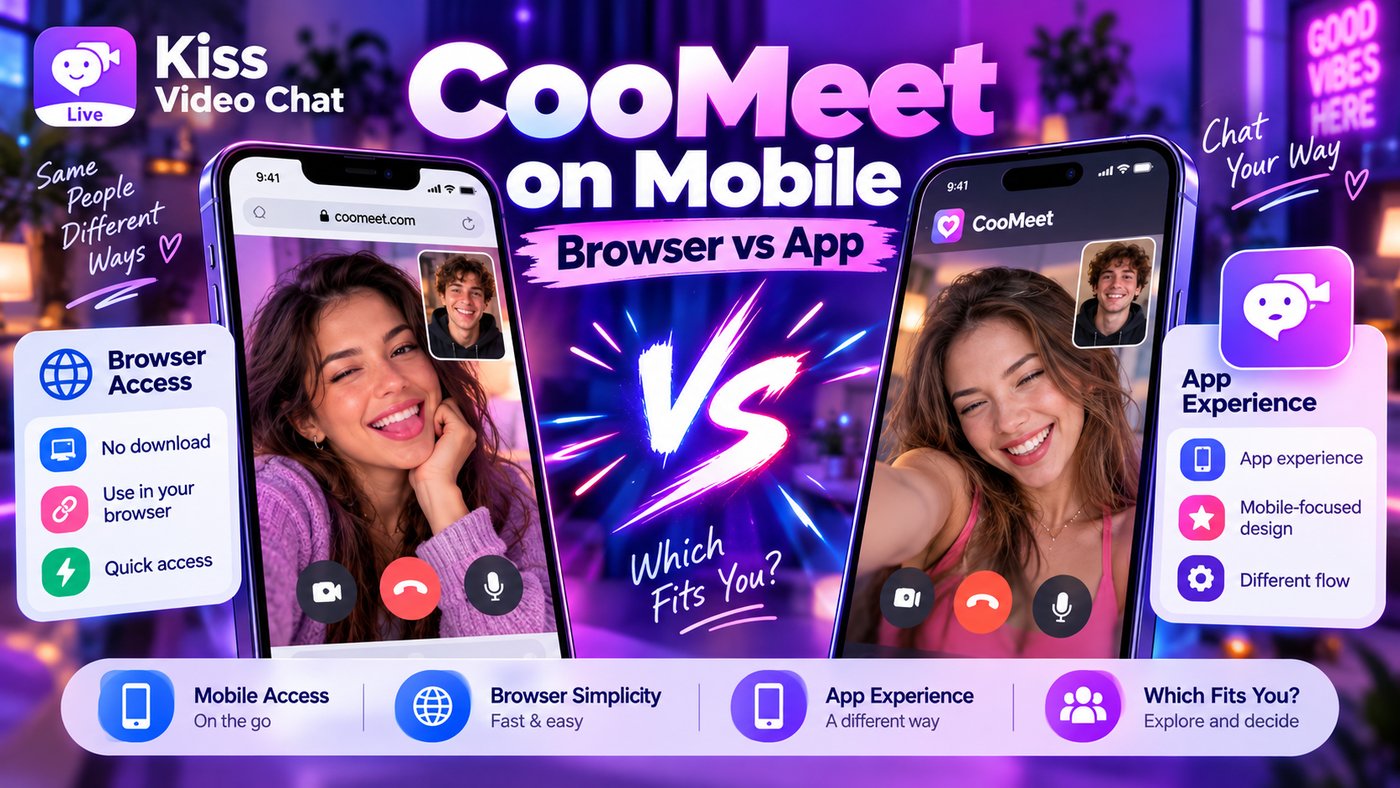
On a phone, you can reach CooMeet two ways: through its website in a mobile browser or through an app. CooMeet's site says the app gives you "all the functionality of the web version" in a more compact format, but the choice still affects how you pay, how you cancel and, right now, whether an app is even available on your phone. This guide compares the two routes using CooMeet's official website, its user agreement and the app store listings we checked on October 13, 2026.
Short answer: CooMeet browser or app?
- Android: the official CooMeet app is on Google Play (developer Gartwell LTD, updated October 2, 2026). It's a good choice if you'll use CooMeet regularly.
- iPhone: CooMeet's FAQ still says the app is on the App Store, but when we checked, Apple's store returned "not found" for CooMeet's iOS listing and search showed only look-alike apps from other developers. Use the website in Safari unless you can find the official app via CooMeet's own download button.
- Prices can differ by route. CooMeet's agreement lists website plans in US dollars, while app-store purchases are priced and billed by the store.
- Cancel where you paid. A website plan is managed in your CooMeet profile; a store subscription is managed in Google Play or your Apple account.
CooMeet mobile browser vs app: comparison table
| Point (checked Oct 13, 2026) | Mobile browser (coomeet.com) | App |
|---|---|---|
| Availability | Any modern phone browser | Android: Google Play. iOS: listing not found when we checked |
| Install | None | Download from the store |
| Features | One-on-one video, message translation, private rooms (official site) | Same core features, plus Video Stories, recent-chat history and a Friends list on Android (Play listing) |
| Who pays you | CooMeet directly, in USD | Google Play (or Apple) billing |
| Published prices | Agreement §6.7: e.g. 1 month $9.99 + 20 bonus minutes | Set per store and region; check the store before buying |
| Cancel auto-renewal | CooMeet profile settings | Store subscription settings |
| Notifications | Limited, depends on browser | Push notifications (the latest Android update adds a bonus for enabling them) |
Using CooMeet in a mobile browser
CooMeet's website presents itself as built "for fast access on desktop and mobile devices." Open coomeet.com in Chrome or Safari, allow camera and microphone access when asked, and start searching. You don't install anything, and if you only want to try the free version, CooMeet's FAQ says you can start without signing up. The trade-offs are smaller: browser camera prompts can be fiddly, the screen can lock mid-call, and you won't get the push notifications the app offers. If you clear cookies or use a private tab, you may need to log in again each time. On an iPhone, the browser is currently the most dependable official route.
Using the CooMeet app
The Google Play listing describes one-to-one HD calls, a built-in message translator, Video Stories, a list of recent chat partners you can reconnect with, a Friends list for direct calls and text chat, reporting tools and video quality that adapts to mobile networks. It's rated Mature 17+ and has in-app purchases. CooMeet itself markets the app around meeting women and describes "verified" female profiles; that's the company's own claim. The latest update notes mention a redesigned video chat, a dark theme and a bonus for enabling push notifications.
On iOS, the picture is unclear. CooMeet's FAQ tells you to search "CooMeet" in the App Store or tap the button on its site. On October 13, 2026, Apple's store returned "not found" for CooMeet's app ID in several countries, and an App Store search showed apps with similar names from unrelated developers. That may be temporary, so don't install a look-alike. Check that the developer is Gartwell, or use the website. To see how CooMeet compares with a free roulette site, read our OmeTV vs CooMeet comparison.
Does the app cost more than the website?
CooMeet's user agreement (§6.7) lists website Premium plans such as 3 days for $2.97, 1 month for $9.99 and 6 months at $4.99 a month, each with bonus minutes, plus minute packs at $0.50 a minute, and it says terms may change without notice. App stores set their own local prices. Third-party app trackers (AppRank, and Adapty's paywall library captured in September 2024) listed App Store bundles such as "1 Month Premium + 20 Minutes" at $16.99, well above the website figure, but those are older third-party snapshots of a listing we could no longer open. The safe rule: compare the price on the website and in the store on the day you buy. For a full breakdown, see our CooMeet free vs premium guide.
Switching between app and browser without double-paying
- Log in with the same account on both, then check that your Premium status and minutes show up.
- Note where you paid. Website purchases are cancelled in your CooMeet profile (photo → gear → Personal details). Store subscriptions are cancelled in Google Play or Apple settings.
- Don't buy again just because a balance looks missing. Contact CooMeet support first (support@coomeet.com or in-app chat).
- Remember the agreement: spent and bonus minutes aren't refundable; unspent paid minutes may be (§8.3).
Troubleshooting on mobile
- No camera in the browser: allow camera and microphone for coomeet.com in your browser's site settings, and check the phone's privacy settings for the browser.
- Calls drop on mobile data: switch to Wi-Fi; the app adjusts quality to your connection, the browser may not.
- Minutes vanish faster than expected: CooMeet's developer reply on Google Play says minutes are deducted in seconds during video chats.
- Can't find the iOS app: use Safari, and ignore "CooMeet" apps from other developers.
Safety tips
- Download only from the official store listing or CooMeet's own buttons; avoid "modded" or "unlocked Premium" files.
- Don't pay anyone outside the app; CooMeet's agreement forbids off-platform payments.
- Keep personal details, addresses and financial information out of calls. See is random video chat safe?
A different approach: choose first, then call
CooMeet starts every session with a search. Kiss Live Chat lets you see who's online, check language and interests, and start a one-on-one video call with someone you picked, plus live rooms, Reels, games and chats, with block and report tools. If you're weighing other services, see our CooMeet alternatives and the random video chat page.
Rather browse than search? Get Kiss Live Chat and see who's online first.
Conclusion: app on Android, browser on iPhone
On Android, the official app is the more convenient way to use CooMeet regularly. On an iPhone, the website in Safari is the reliable route until the iOS listing is clearly available again. Whichever you use, compare prices on the day, cancel where you paid and never buy twice to fix a missing balance. If you'd rather pick who you call, try Kiss Live Chat.

Add Kiss to your home screen
No download needed: the Kiss web app opens full-screen from an icon, like an app.
- Android · Chrome: ⋮ menu → “Install app” or “Add to Home screen”
- iPhone · Safari: Share → “Add to Home Screen”
Prefer the app? Get the iPhone app
A few more answers
Frequently asked questions
Does CooMeet have a mobile app?
Yes on Android: the official app by Gartwell LTD is on Google Play (updated October 2, 2026). CooMeet's FAQ also points to the App Store, but on October 13, 2026 we couldn't open its iOS listing, so iPhone users may need the website.
Can I use CooMeet in a phone browser?
Yes. CooMeet says its site is built for fast access on desktop and mobile. Open coomeet.com in Chrome or Safari and allow camera and microphone access.
Is CooMeet cheaper on the website or in the app?
It can differ. CooMeet's agreement lists website plans such as 1 month for $9.99 plus 20 bonus minutes, while app stores set their own prices. Compare both on the day you buy.
How do I cancel CooMeet Premium on my phone?
Cancel where you paid. Website plans are cancelled in your CooMeet profile settings; Google Play or Apple subscriptions are cancelled in the store's subscription settings.
Do my minutes carry over between the app and the browser?
CooMeet doesn't spell this out publicly. Log in with the same account on both and check your Premium status and minutes; if something's missing, contact support instead of buying again.